
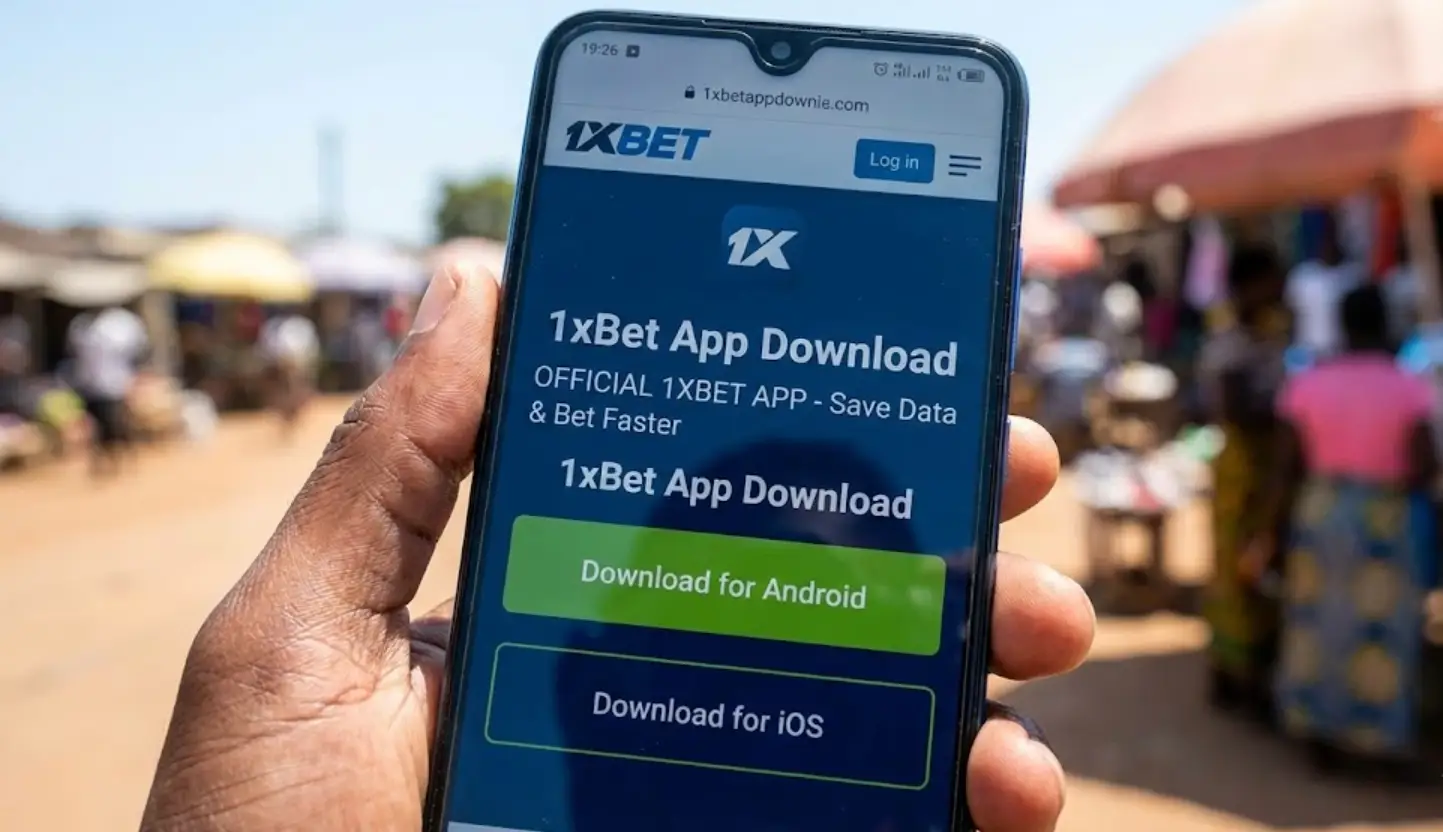
Looking for the 1xBet App for Android? You won’t find it on the Google Play Store. To bet faster and save mobile data on Airtel/TNM, you need to download the official APK file directly.
📱 Why use the App? It works even on slow 3G networks and consumes less data than the website.
(Official Secure Link – Version 2026)
In this guide, we will show you exactly how to install the 1xBet App on Android and iOS. Since it is a betting app, the installation process is slightly different from normal apps.
How to Install 1xBet APK on Android (Step-by-Step)
Because of Google’s policy against real-money gambling apps, you must allow installation from “Unknown Sources”. Don’t worry, the 1xBet app is 100% safe and secure.
Step 1: Download the File
Click the button above to go to the official 1xBet mobile site. Scroll down to the bottom and click on “Mobile Applications”. Select Android to start the download.
Step 2: Allow Unknown Sources
While the file is downloading, change your phone settings:
- Go to Settings > Security (or Privacy).
- Find “Install unknown apps” or “Unknown sources”.
- Allow your browser (Chrome) to install apps.
Step 3: Install and Login
Open your “Downloads” folder and tap the 1xbet.apk file. Click “Install”. Once finished, open the app and log in.
You can register directly inside the app. The Welcome Bonus is the same (200%).
How to Download 1xBet App for iPhone (iOS)
For iPhone users in Malawi, the process is simpler, but sometimes the app is hidden in the App Store due to regional restrictions.
- Visit the 1xBet Official Site via Safari.
- Scroll to “Mobile Applications”.
- Click the iOS icon. It will redirect you to the App Store.
- If you see an error “Not available in your country”, you must change your Apple ID region to “Malawi” or “Cyprus” in settings.
System Requirements
Will the app work on your phone? 1xBet is optimized for older phones too.
| Feature | Android | iOS (iPhone) |
|---|---|---|
| OS Version | Android 5.0+ | iOS 12.0+ |
| App Size | ~45 MB | ~90 MB |
| RAM Needed | 1 GB | 1 GB |
Common Installation Problems
- “Parse Error” or “Can’t Open File”: This usually means the download was interrupted. Delete the file and download it again.
- App Crashing: Make sure you have the latest version. Uninstall the old app before installing the new APK.
- Can’t Deposit: If the deposit buttons (Airtel/TNM) are not working in the app, try logging in via the mobile website instead.
Disclaimer: This is an informational guide. We do not host any APK files. All links direct to the official 1xBet website. 18+ only.